Software Craftsmanship
15 Best Practices for Software Development

Software underpins modern work, education, and commerce, yet roughly 80% of software projects fail. The causes are consistent: bad estimates, poorly defined requirements, weak source control, and skipped testing. The 15 practices below address every one of those failure points and apply whether you are building from scratch, maintaining an existing codebase, or evaluating a development partner.
1. Select the Right Talent and Tools
Matching skills to tasks is the first lever on project success. A developer skilled in systems programming is not automatically the right choice for a web API, and vice versa. Assign work based on demonstrated expertise in that specific domain.
On the tooling side, modern hardware, current IDEs, and automated build and testing platforms let the team move fast without sacrificing quality. Outdated environments create friction that compounds daily.
2. Choose the Right Development Process
The cascade (waterfall) model, agile methodology, and the spiral iterative approach each suit different project types. A fixed-scope enterprise integration may fit waterfall. A product with evolving user requirements fits agile. A high-risk research prototype fits spiral.
The difficulty is choosing correctly, then adhering to the choice. Partial adherence to a methodology gives you the overhead of a process without the benefits. When entering new technology territory, a small prototype validates assumptions before committing a full sprint to them. Apply software design patterns appropriate to your chosen process from the start.
3. Set Realistic Budgets and Estimates
Unrealistic estimates are the single largest predictor of project overruns. Pressure to shorten a timeline by cutting the estimate does not shorten the work; it shifts the cost to rework and delays.
Use proven estimation techniques: story points with velocity tracking in agile, function point analysis for scope-heavy contracts, or three-point PERT estimates (optimistic, most likely, pessimistic) for fixed bids. Budget in contingency. Estimates made under pressure consistently undercount integration and testing time.
4. Break Work into Smaller Milestones
Large milestones hide risk until late in a project. Mini-milestones (weekly or bi-weekly checkpoints within a sprint) expose blockers early, make interdependencies visible, and keep the whole team calibrated on what is actually done versus what is in progress.
The team sets these mini-milestones together. When they align with the major milestone gates, slippage surfaces before it cascades.
5. Document Requirements Thoroughly
Requirements documentation is the contract between what the business wants and what the team builds. Gaps in requirements become gaps in the product. All stakeholders (clients, product managers, tech leads) must review and sign off on requirements before development begins.
Cover all four requirement types: functional (what the system does), non-functional (performance, availability, security), constraints (platform, regulatory), and implicit (unstated expectations that users take for granted). Use-case scenarios expose functional gaps that abstract descriptions miss. Architecture and system requirements feed directly into the design phase.
6. Define System Architecture Early
Architecture decisions made late are expensive to undo. A good application architect identifies system boundaries, selects appropriate patterns (layered, event-driven, microservices), and maps constraints (latency budgets, data residency, team topology) before a line of production code is written.
Threat modeling and anti-pattern identification belong in this phase, not after the first security incident.
7. Design for Modularity
A modular design keeps coupling low and cohesion high. Object-oriented design enforces this when applied with discipline: each class has one clear responsibility, dependencies flow in one direction, and interfaces are narrow.
Code reuse is the underused lever here. A well-designed module built once can eliminate entire categories of work on future projects. Skipping the design investment to ship faster almost always produces a tightly coupled codebase that costs more in maintenance than the time saved.
8. Implement with Continuous Integration
Small, self-contained modules that are unit-tested and continuously integrated catch defects at the cheapest possible moment. Automated build tools (Maven, Gradle, Make, npm scripts) and regression test suites that run on every commit prevent previously working functionality from silently breaking.
The target state: every commit triggers a build, runs the full test suite, and produces a pass/fail signal within minutes.
9. Test at Every Level
Test planning runs in parallel with development, not after it. Types of testing that must each be planned, executed, and reported separately include:
- Unit tests verify individual functions and methods in isolation.
- Integration tests verify that modules interact correctly.
- Functional tests verify behavior against requirements.
- System tests verify the end-to-end product against specifications.
- Performance tests verify response times and throughput under load.
Each level requires its own expertise. Automated tools accelerate execution and make defect detection repeatable. The earlier a defect is caught, the cheaper it is to fix.
10. Maintain Full Documentation
The code is the executable artifact. The documentation is the transferable knowledge. Projects with strong code and weak documentation create irreversible dependencies on the original team.
Documents that must stay current and accurate throughout a project:
- Project plan and requirements specification
- High-Level Design (HLD) and Low-Level Design (LLD)
- Test plans and test reports
- Status reports
- End-user documentation
These are often contractual deliverables. They are also the reference every future maintainer uses.
11. Schedule Regular Code Reviews
Code review catches more defects per hour than testing alone, at a fraction of the cost to fix. Reviews also spread knowledge across the team and reduce bus-factor risk.
Both peer reviews (a colleague reviews your code) and formal inspections (structured walkthrough with defined roles) add value. Run code reviews as a scheduled ritual, not as an ad-hoc favor. Document findings; track resolution; close the loop.
12. Use Version Control for Everything
Source code management is non-negotiable. Every file that contributes to the final product (code, configuration, infrastructure-as-code, migrations) belongs in a version control system with meaningful commit messages, branching strategy, and access control.
Version control enables controlled rollback, parallel feature development, and audit trails. Teams that skip it trade short-term setup time for long-term pain when a defect needs to be traced or a release needs to be reverted.
13. Enforce Quality Control Metrics
Quality control catches problems before they move to the next phase, when they become orders of magnitude more expensive to fix. Establish measurable quality gates: defect density thresholds, test coverage floors, code complexity ceilings, and static analysis pass rates.
Metrics and targets should be agreed on by the full team before the project starts. A quality gate that fails a build forces the fix now, not in production.
14. Plan Installation and Deployment
Software that passes every test in development can still fail at deployment. Production environments differ from development environments in configuration, permissions, network topology, and data volumes. A deployment checklist eliminates the category of failures that come from manual, undocumented procedures.
Plan the deployment before the sprint that delivers the feature. Test the deployment procedure in a staging environment that mirrors production. The checklist is a living document, updated after every deployment incident.
15. Build a Support and Maintenance Strategy
Deployment is not the end of the project. A support and maintenance process must be in place before go-live: a channel for users to report defects, an SLA for response times, a triage process for prioritizing fixes, and a path from bug report to production patch.
Software without a maintenance strategy accrues defect debt that eventually makes the system unreliable. Plan the maintenance cadence the same way you plan the build.
These 15 practices apply across project sizes and team structures. They are not aspirational. Teams that skip them trade short-term speed for failures that show up in production, and industry data backs that up. Apply the practices as a checklist before and during each project phase.
Related resources on GeeksProgramming:
- Computer Science Homework Help covers algorithms, data structures, and CS design principles in depth.
- Software Design Patterns: How, Where & Why to use explains creational, structural, and behavioral patterns with examples.
- SOLID, DRY, KISS, YAGNI: Design Principles covers the four principles every software developer should apply from day one.
Related articles
-
 Programming
SOLID, DRY, KISS, YAGNI: Design Principles
A working guide to the software design principles every developer cites: SOLID, DRY, KISS, and YAGNI, with code examples in Python, Java, and JavaScript.
Mar 27, 2022
-
 Programming
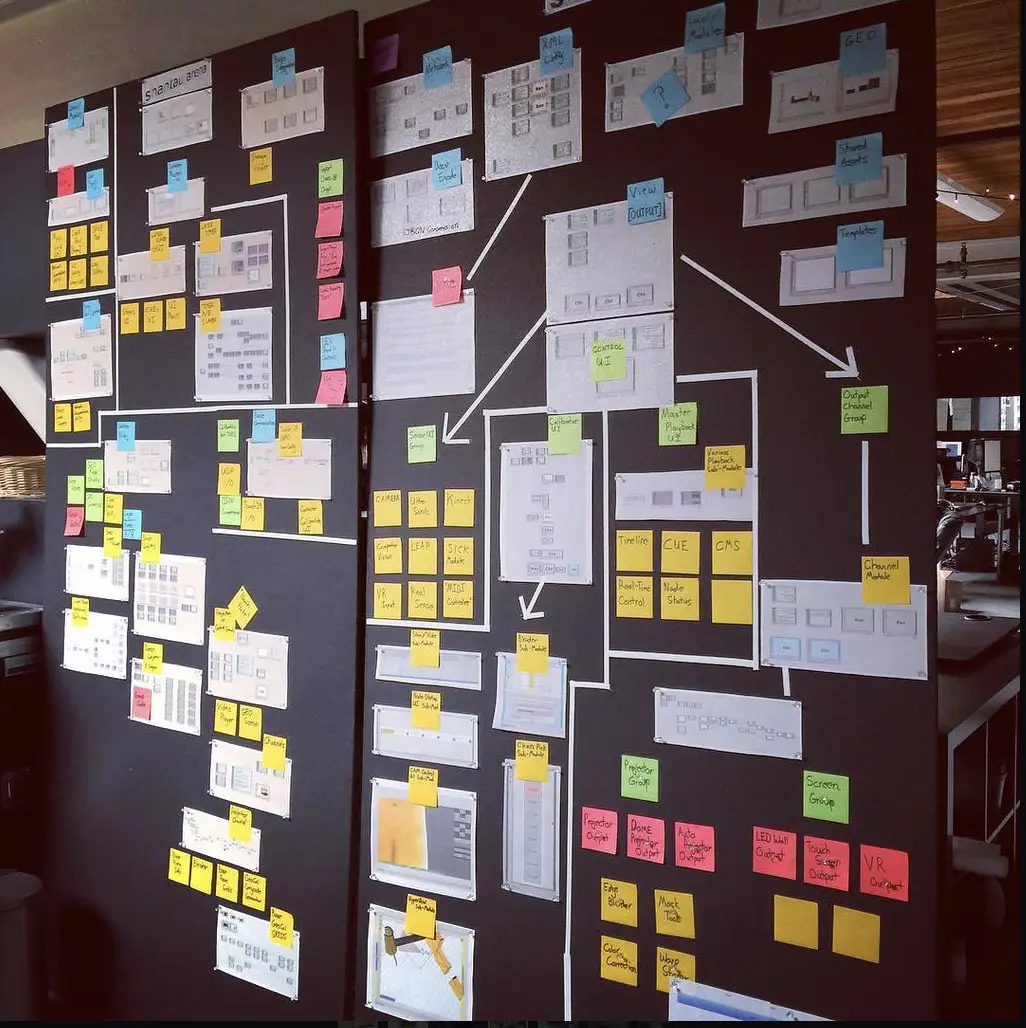
Performance Metrics in Software Architecture
Nine performance metrics software architects use to measure coupling, complexity, modularity, and sustainability when designing a software system.
Feb 8, 2020
-
 Software Craftsmanship
Software Design Patterns Explained
Design patterns are reusable solutions to common coding problems. This guide covers all 23 Gang of Four patterns: creational, structural, and behavioral.
Apr 12, 2017